How to use Microsoft 365 tools
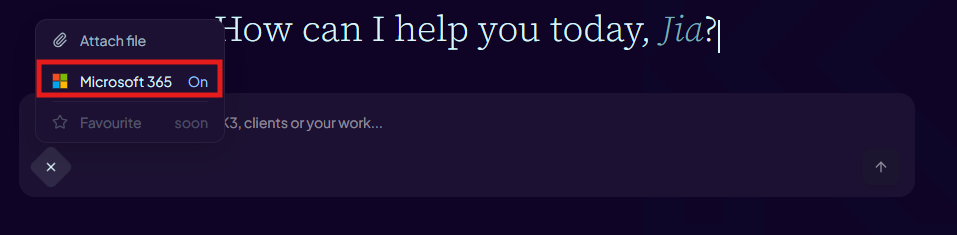
- Check that the Microsoft 365 tools toggle in the chat composer is on. It is enabled by default for each conversation.
- Ask a question that requires your Microsoft 365 data — for example: "Find my 10 most recent emails in Outlook."
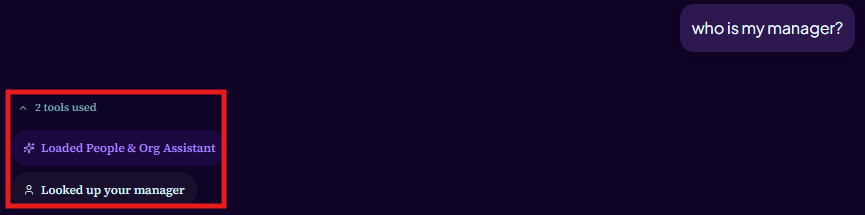
- Aimee calls the relevant Microsoft Graph tools and shows a tool call card in the thread indicating which tool was used.
Microsoft 365 tools use your own delegated permissions. Aimee can only access data that you yourself can access in Microsoft 365.
Available Microsoft 365 tools
- Outlook — search and read emails, list recent messages, read threads.
- Calendar — check your availability and list upcoming events.
- OneDrive — find and read files in your personal OneDrive.
- SharePoint — search and read files from SharePoint sites you have access to.