How to begin a chat
- Click "Start a new task" in the left sidebar to open a blank conversation.
- Type your question or prompt in the composer at the bottom of the screen.
- Press Enter or click the Send button to submit.
- The assistant streams a reply in real time.
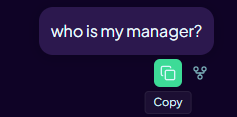
- Use the copy button on a message or code block to copy the content to your clipboard.
The app uses the model configured by your organisation. There is no model picker in the user interface.
Tool call cards
When Aimee uses a connected tool — such as searching your email or reading a OneDrive file — a tool call card appears in the chat thread. The card shows which tool was used and a summary of the result. You do not need to take any action on a tool call card unless a follow-up action (such as Send email or Accept edits) is offered.